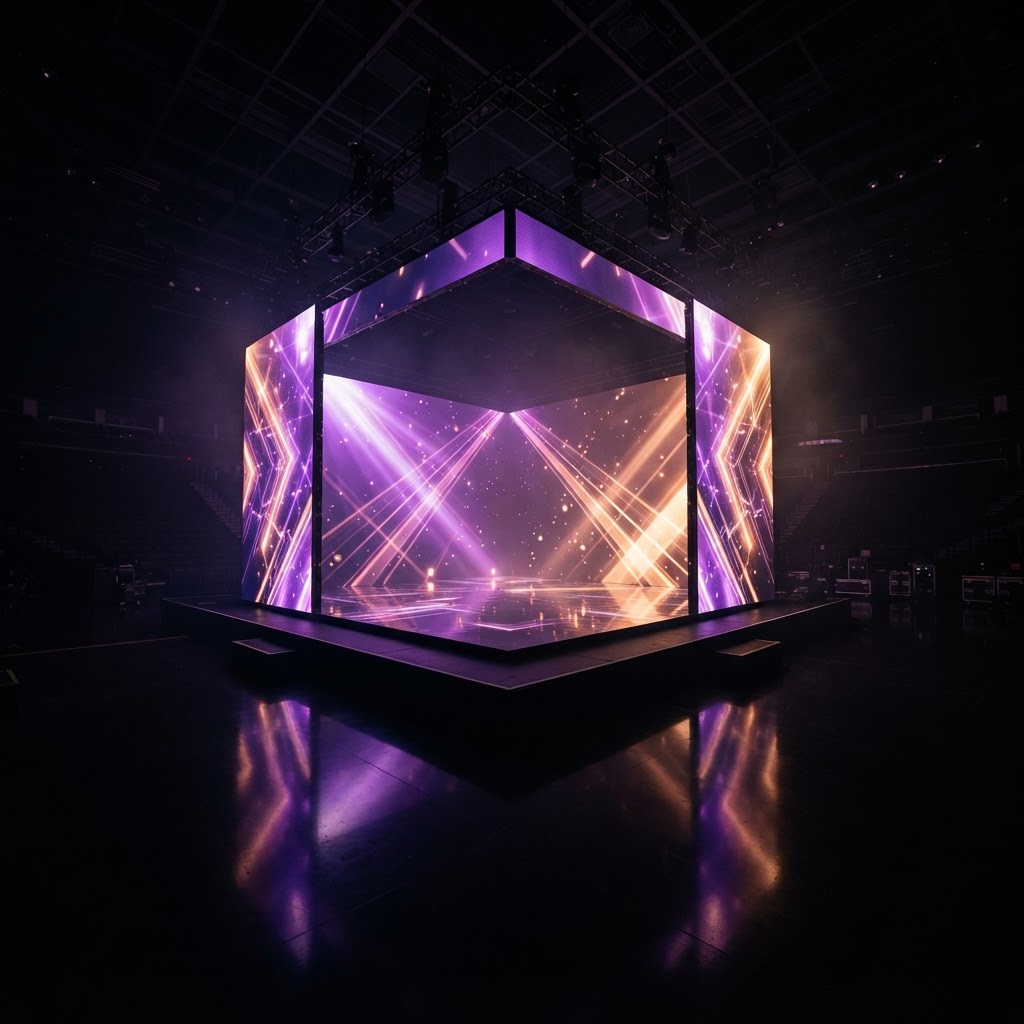
One browser.
Up to six screens.
One visual world.
Control LED floors, walls, TV and immersive stages from a single browser.
Start with one screen. Scale to six. Or build an entire immersive stage.
The workflow
From empty room to live show in four steps.
Discover → Start Mapping → Build your stage → Add content → Map outputs → Launch.
Choose your stage
Pick a preset — single screen up to six, three-wall immersive, or three-wall + floor.
→Assign outputs
Map each virtual surface to a real HDMI display. The layout mirrors your physical install.
→Add content
Choose from the LoopFloor library or add your own videos, then map them onto walls and floor.
→Preview & launch
Watch it live in 3D, then push the show to every screen at once.
Capabilities
Everything a stage needs, in one browser tab.
No external software. No renderer farm. Map walls, floors, screens and furniture, then push it all to your TV from a single window.
3D Stage Mapping
Build your real room in a live 3D preview — LED walls, floor, cube and furniture, all positioned visually.
Up to 6 Screens
Assign every virtual surface to a real display. One browser window per HDMI output, synced live.
LED Floor Control
Drive a single floor or two, mapped as real output surfaces — separate content from the walls.
Show Mode
Beat-synced scene sequencing. Auto-cut scenes to your track's tempo with one click.
AI Scene Generation
Generate worlds, elements, streets and monumental stage objects straight into your library.
Content Library
Choose from the LoopFloor library or add your own videos — every account gets its own private library. History and montages built in.
Furniture & Rooms
Place couches, booths, podiums and cameras to mirror your physical stage before you launch.
Panoramic Export
Export unfold diagrams of your stage for physical LED fabrication and venue planning.
Pricing
A professional visual-control system, not just a video player.
Start with one screen. Scale to six. Or build an entire immersive stage.
Creator
For simple 1–2 screen setups.
- 1–2 screen output mapping
- 3D stage preview
- Content library & uploader
- Single LED floor
Pro
Up to 6 screens and advanced Stage Mapping.
- Up to 6 screen outputs
- Full Stage Mapping engine
- Show Mode beat sequencing
- AI scene generation
- Two LED floors
- Furniture & room presets
Studio
For studios, venues and production environments.
- Everything in Pro
- Panoramic LED export
- Multi-floor & full-room layouts
- Priority generation
- Stage preset library
Built for DJs, VJs, LED studios, recording studios, nightclubs, venues and immersive installations.